v2.1August 28, 2026
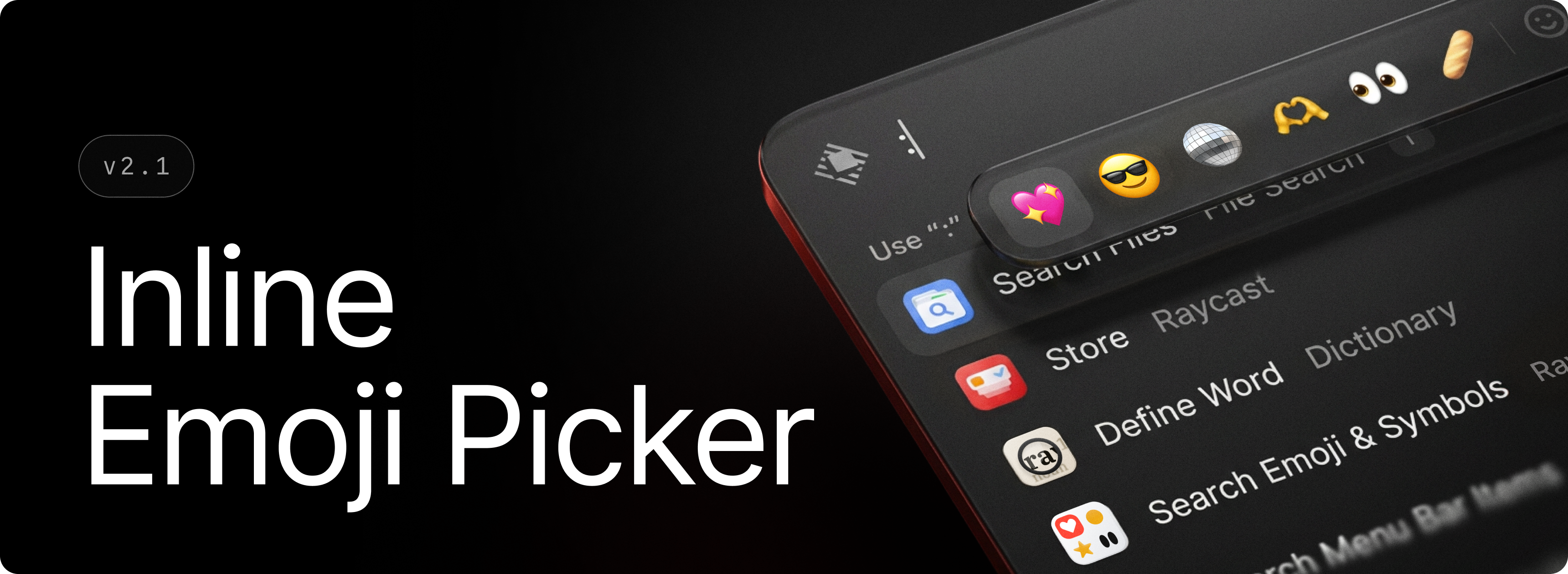
Your favorite emojis are now just a : away. Type : followed by an emoji name to open the Inline Emoji Picker and insert emojis without breaking your flow.
Inline Emoji Picker works across text fields throughout Raycast, including AI Chat, Notes, Snippets, Quicklinks, and AI Commands. Suggestions follow your preferred emoji skin tone.
✨ New
- Emoji: Added Inline Emoji Picker. Type
:followed by a name in any text field to search and insert emojis.
💎 Improvements
- Quick AI: Added support for dropping files from Finder directly into Quick AI to attach them, including while revealing the window with the global hotkey mid-drag
- Root Search: Improved icon rendering of Quicklink favourites in compact mode
- Root Search: Tab now performs primary action if AI or Tab to Quick AI is disabled
🐞 Fixes
- AI Chat: Fixed a text scaling issue in “Ask Question” tool
- AI Chat: Fixed run errors rendering above tool calls in some situations
- AI Chat: Fixed failed image generations and remote tools appearing as completed
- Clipboard History: Fixed an issue where selecting all content would also select list items
- Clipboard History: Ensured pasting non-full entries can still correctly update history (ie. paste as plain text)
- Emoji Picker: Fixed emoji jitter when moving selection
- Emoji Picker: Fixed an issue where saving keywords on an AI suggested emoji would fail
- Extensions: Fixed an issue where pressing Escape from an extension subview would mistakenly discard Raycast
- File Search: Fixed an issue preventing file index compaction causing elevated disk space utilization
- File Search: Fixed an issue where directories matching a term and containing many children would be hidden from results by its contents
- File Search: Fixed an issue causing online-only files in indexed cloud folders (iCloud, Google Drive, etc) to be hydrated accidentally
- My Schedule: Fixed an alignment issue when the time of event was formatted with a 12h clock
- Notes: Fixed inline code background in completed todo items
- Notes: Fixed empty list items being dropped when pasting markdown
- Notes: Fixed checklist structure being lost when copying and pasting
- Root Search: Fixed a regression that brought back tab to browse files
- Settings: Fixed script command icons being cropped
- UI: Fixed visual artefact on short popovers when using largest interface size